Everything you need from a clipboard manager
Quietly captures everything, then gets out of your way.
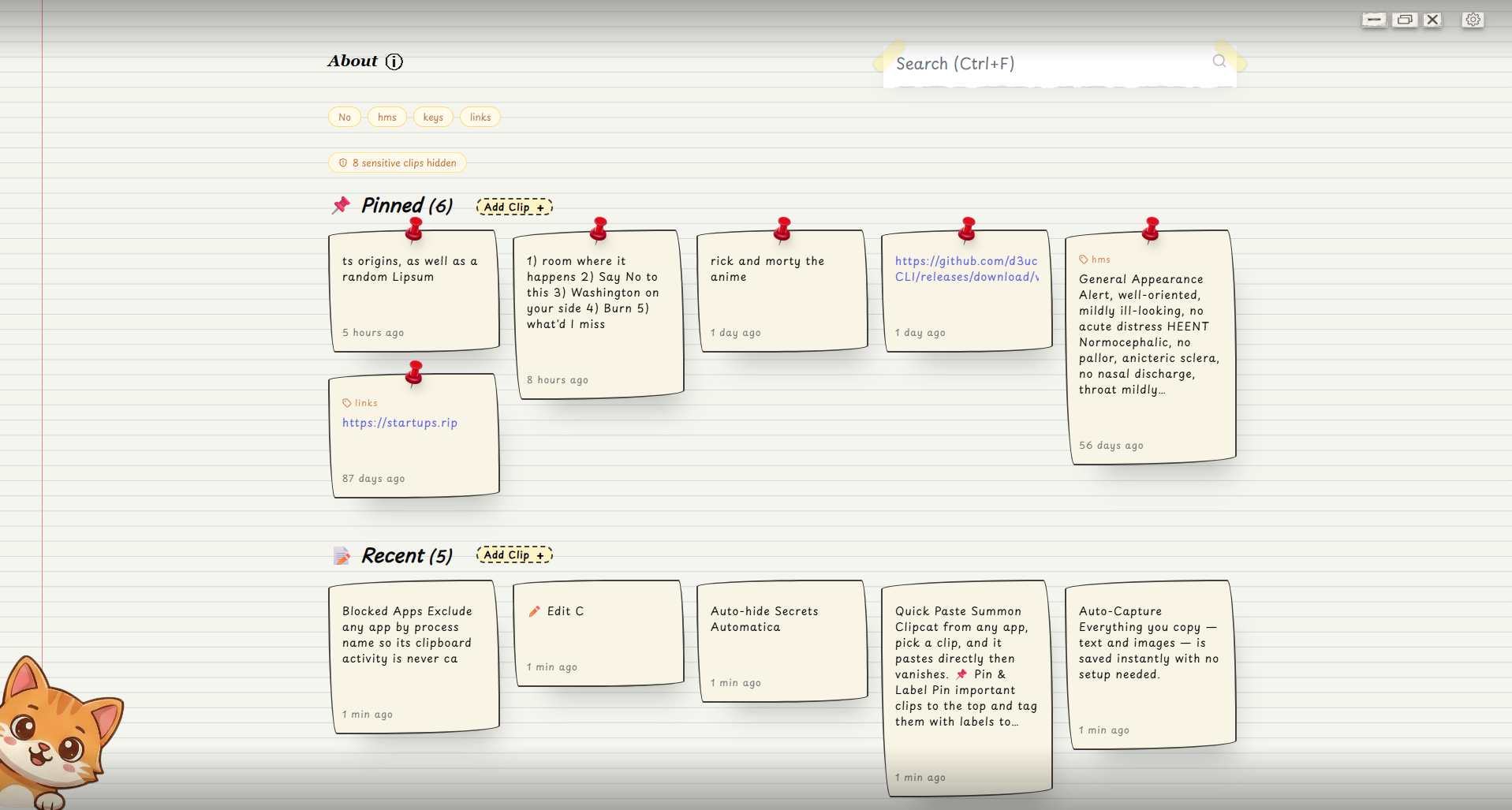
Auto-Capture
Everything you copy - text and images - is saved instantly with no setup needed.
Quick Paste
Summon Clipcat from any app, pick a clip, and it pastes directly then vanishes.
Pin and Label
Pin important clips to the top and tag them with labels to keep your history organised.
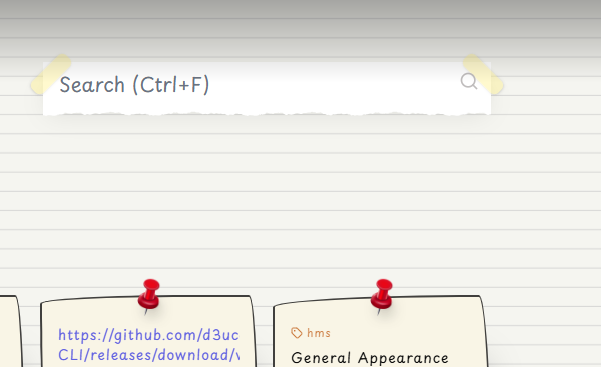
Instant Search
Filter your entire clipboard history in real time with a single keyboard shortcut.
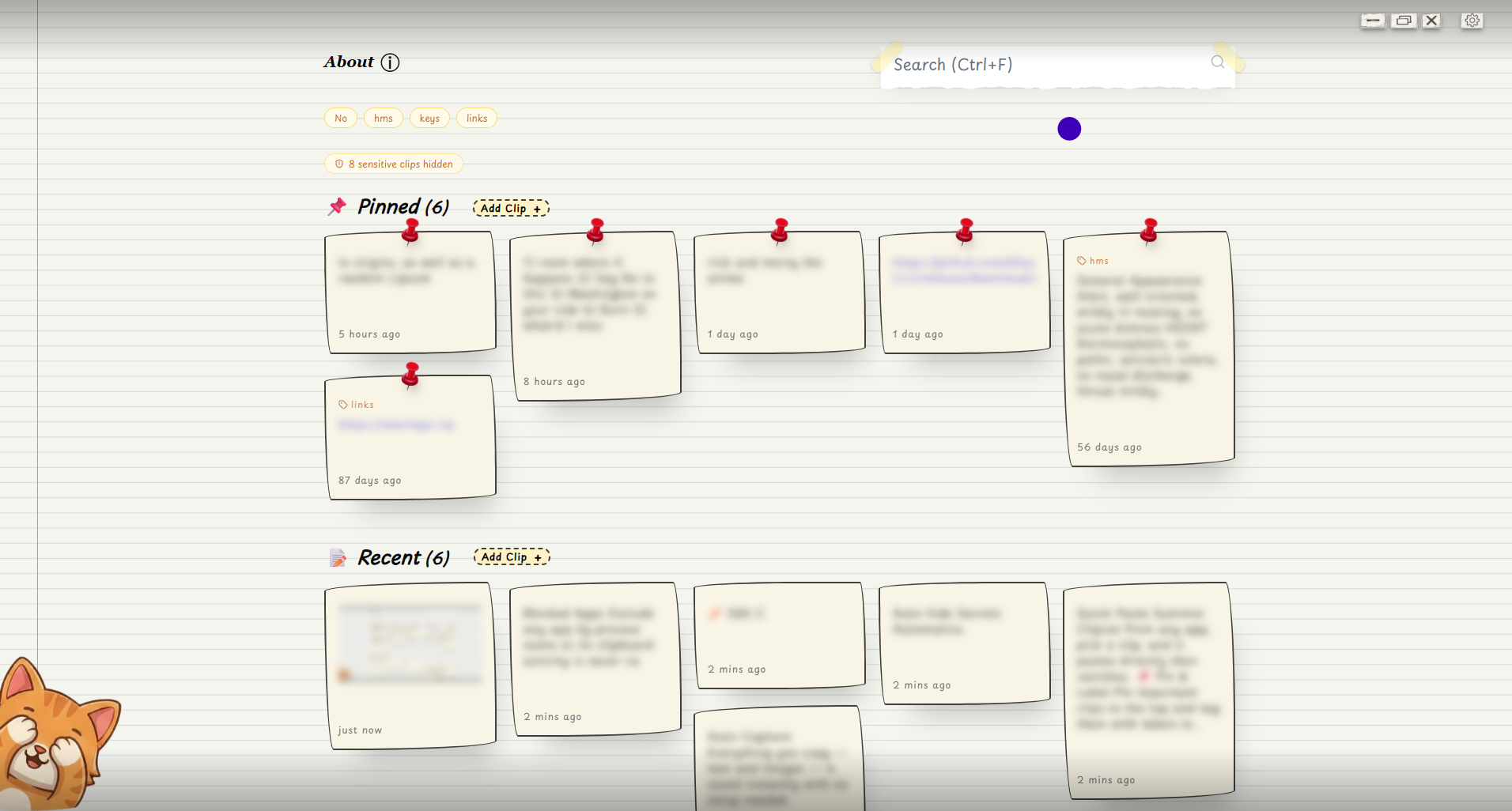
Privacy Mode
Blur all clip content instantly for screen sharing or shoulder-surfing situations.
Auto-hide Secrets
Detects and collapses passwords, API keys, tokens, and JWTs automatically.
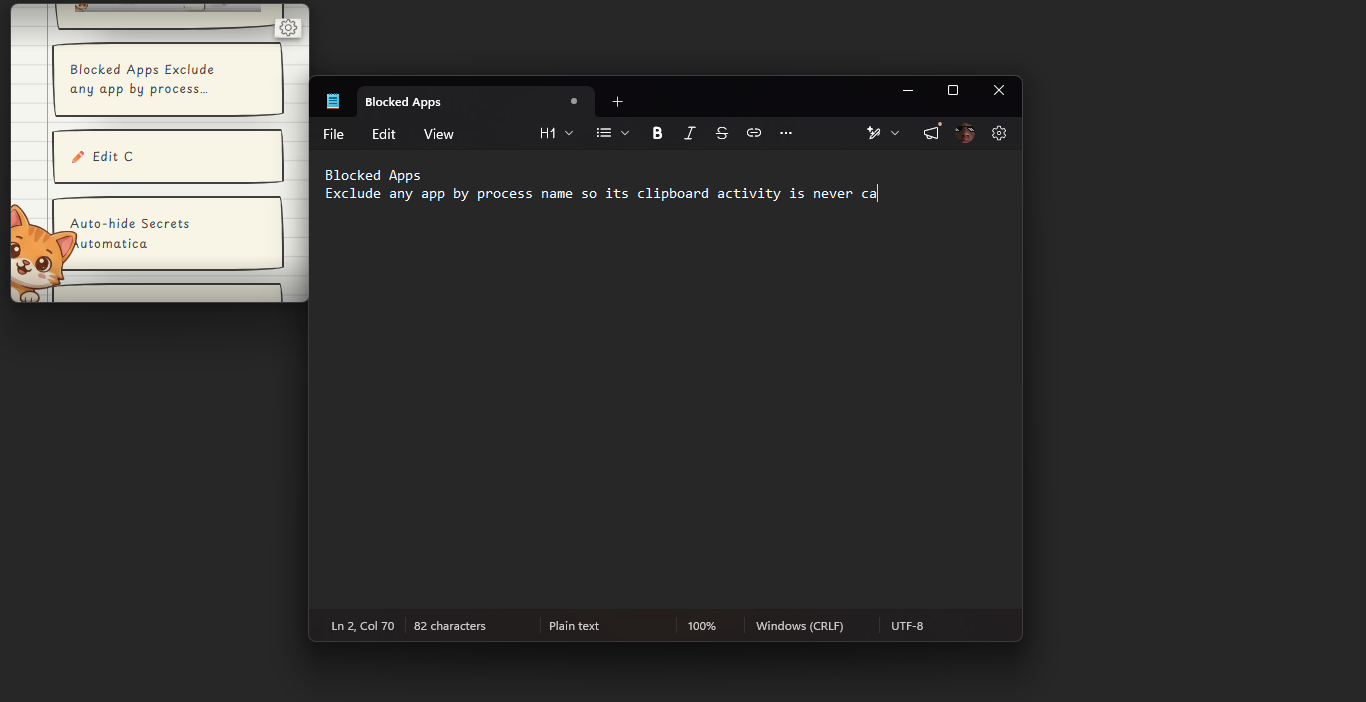
Blocked Apps
Exclude any app by process name so its clipboard activity is never captured.
Edit Clips
Fix typos or update any saved clip without re-copying from the source.
Image Support
Copied images are saved as previews and can be pasted back just like text clips.
LAN Sync
Sync your clipboard across devices on the same local network, end-to-end encrypted.
Command Palette
Press Ctrl+K to open a command palette and control Clipcat without the mouse.
Keyboard shortcuts
Fast by design - every essential action is one key combo away.
View all shortcuts ->See it in action
Stays out of your way until you need it.
Never lose a copy again
Free, open source, and takes thirty seconds to install.