Settings
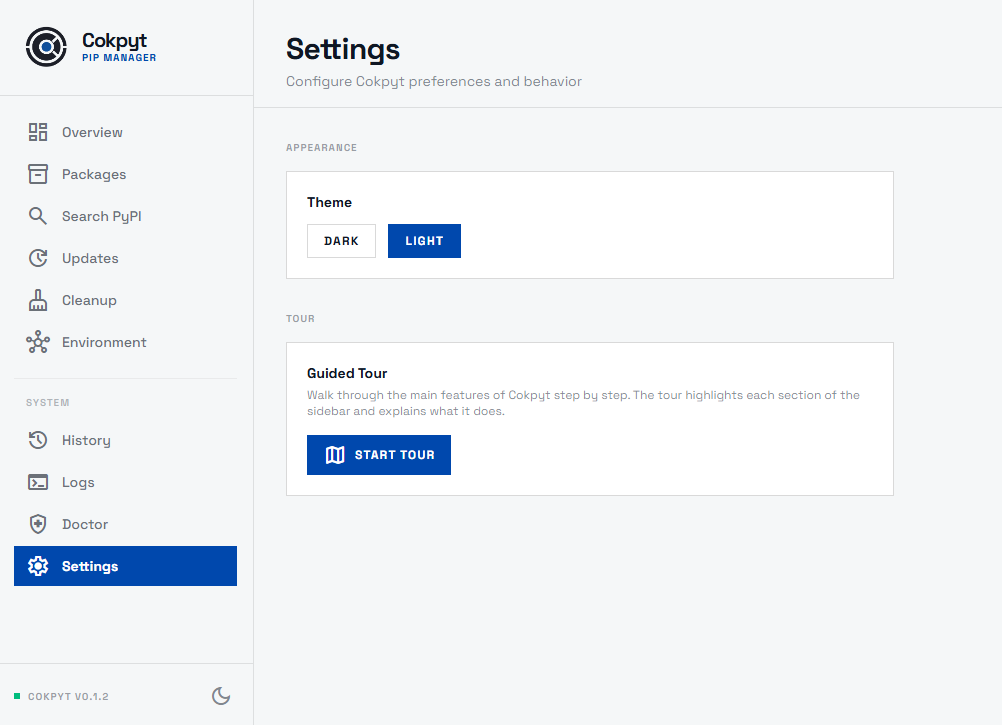
The Settings page lets you configure Cokpyt's appearance and replay the guided tour whenever you want.
Appearance
Theme
Toggle between Light and Dark mode using the two theme buttons. Your selection is saved and applied immediately - no restart needed.
Cokpyt also respects your operating system's preferred color scheme on first launch. You can override it here at any time.
Guided Tour
What the Tour Does
The guided tour is a step-by-step walkthrough of Cokpyt's main features. It highlights each section of the sidebar in sequence and briefly explains what that page does. It runs entirely inside the app - no external browser needed.
Running the Tour
Click Start Tour on the Settings page. The tour will begin from the current screen and walk through:
- The sidebar navigation items
- The Dashboard stat cards
- The Installed Packages table and action buttons
- The Search input
- The Doctor diagnostics
- The History table
- The Cleanup targets
You can exit the tour at any point by pressing Escape or clicking outside the tour tooltip.
Re-running the Tour
The tour can be replayed as many times as you like - it never locks or marks itself as "completed". Useful if you've just onboarded a new team member or returned to Cokpyt after a long break.