Updates
The Updates page shows every package in your environment that has a newer version available on PyPI. It lets you upgrade packages individually or push all of them in a single operation.
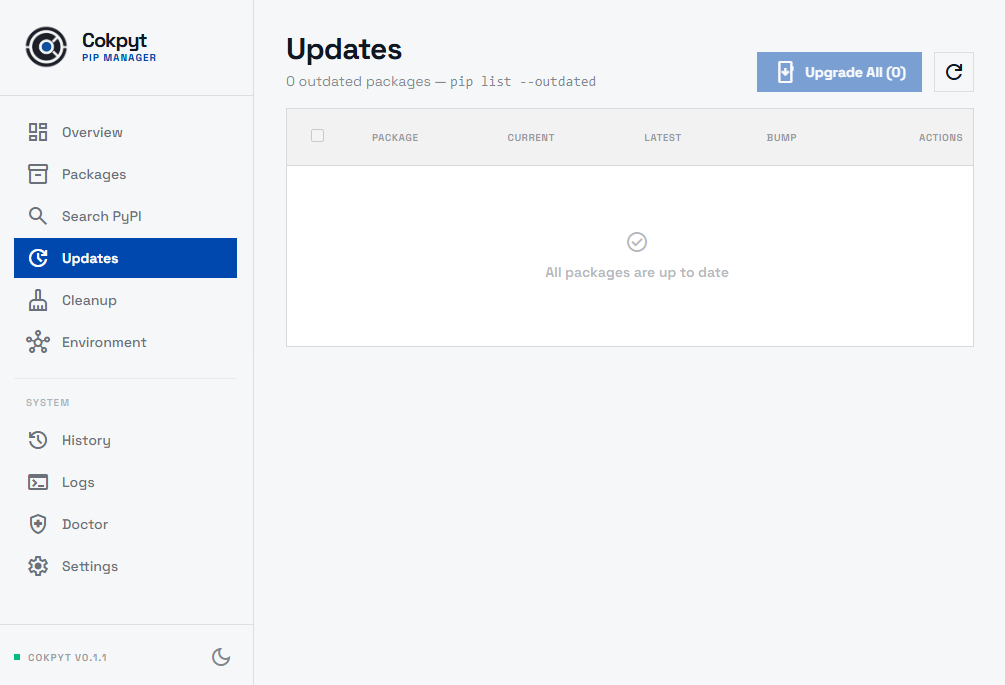
The Outdated Packages Table
Each row represents one outdated package and shows:
| Column | Description |
|---|---|
| Name | Package name |
| Installed | Version currently in your environment |
| Latest | Newest version available on PyPI |
| Type | Bump classification - Major, Minor, or Patch |
| Actions | Per-row Upgrade button |
Bump Classification
Cokpyt classifies each available upgrade by its semantic version distance:
- Major - the leftmost version number changes (e.g.
1.9.0 → 2.0.0). May contain breaking changes; read the package's changelog before upgrading. - Minor - the middle number changes (e.g.
1.3.0 → 1.4.0). Usually backward-compatible new features. - Patch - the rightmost number changes (e.g.
1.3.2 → 1.3.3). Generally safe; typically bug fixes and security patches.
Upgrading a Single Package
Click the Upgrade button on any row to run pip install --upgrade <package> for that package alone. A live terminal panel slides in at the bottom of the screen so you can monitor the output. The table refreshes when the command finishes and the row disappears if the package is now up to date.
Selective Upgrade
Check the checkbox on one or more rows to select specific packages. Once at least one package is selected the header button changes to Upgrade Selected (N) — clicking it upgrades only the checked packages and leaves the rest untouched.
To deselect all packages, uncheck the header checkbox.
Update All
Click Upgrade All (N) in the page header (visible when nothing is selected) to upgrade every package in the list at once. Upgrades run in parallel and the row disappears as each package finishes. The table refreshes automatically when all upgrades complete.
Major-version upgrades can introduce breaking API changes. Consider reviewing the Major rows before hitting Upgrade All on a production environment.
Changelog
For packages that publish a changelog URL, a Changelog button appears to the left of the Upgrade button on that row. Clicking it opens the package's changelog in your default browser so you can review breaking changes before upgrading.
Refreshing the List
The outdated package list is fetched fresh each time you navigate to this page. Click Refresh in the header if you want to re-query PyPI mid-session (e.g. after running an upgrade outside of Cokpyt).